
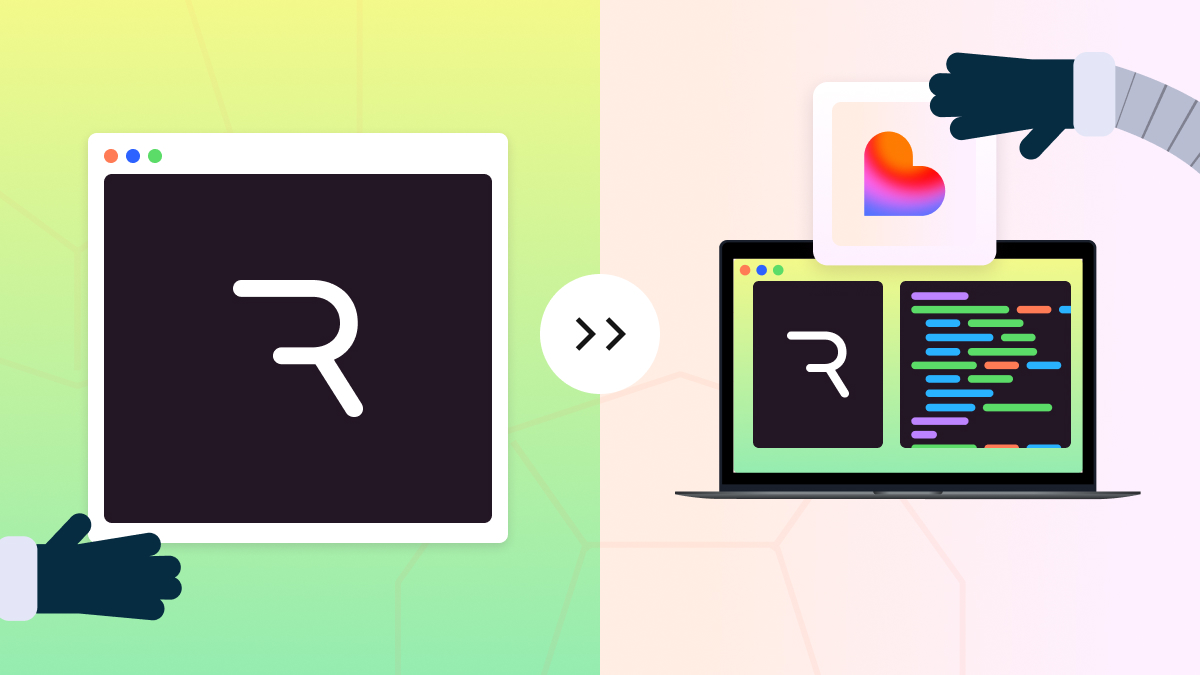

How We Built a Living Animation Guide for CoChefyBot Using Rive and Lovable

When we started working on CoChefy, the AI chef assistant, we knew we didn’t just want another faceless app that spits out recipes. We wanted personality. A spark. A character that would feel like the friendly chef in your kitchen, guiding you through dishes you never thought you could make.
That’s how CoChefyBot was born; a playful, animated mascot designed to be the face and avatar of the app. But designing a character was just the beginning. We needed to bring him to life.
From Sketch to Motion: The Rive Project
Our design team turned to Rive to give CoChefyBot movement and emotion. Rive’s real-time animation workflow lets us experiment with micro-expressions, gestures, and states that would make CoChefyBot feel truly alive.
The result? A full Rive project with:
- Multiple artboards (from the main ChefyBot to splash screens and tutorials)
- A range of boolean states like welcome, thinking, ready, listening — even mail for when he “receives” new recipe ideas.
- A flexible system that developers could plug into, making CoChefyBot interactive across the app.
But there was a problem:
The Implementation Problem
Once the Rive project was finished, our dev team faced the classic handoff challenge: “How do we make sure everyone knows how to implement this?”
We could have sent over files and a PDF guide — but that’s not how 10 Grounds works. We wanted something faster, interactive, and self-explanatory.
Prototyping the Solution in Lovable
Enter Lovable.
We jumped into Lovable and, in just a few sessions, prototyped a developer playground and documentation site. The idea was simple:
- Show each artboard.
- Embed the live Rive file.
- Add checkboxes for every boolean state, so devs could see how animations trigger in real-time.
Here’s how the Lovable process unfolded (yes, in under two minutes of chat history):
- We started by asking Lovable to create a landing page with a documentation-style layout.
- Sections were generated for every artboard: CoChefy, SwipeTutorial, Windows 1–4, Splash Screen, ThinkingBubble.
- Booleans were hooked up to checkboxes — click “thinking,” watch CoChefyBot start pondering a new dish.
- As we iterated, we added a checkerboard background for transparency, a green theme to match CoChefy’s palette, and even a download button for the Rive file.
The result? A fully interactive implementation guide that any developer could open, play with, and instantly understand how to bring CoChefyBot into the app.
The Outcome
By combining Rive for design and animation with Lovable for rapid prototyping, we didn’t just make CoChefyBot move — we made his implementation frictionless.
Developers now have:
- A visual playground to test every animation state
- Clear, live documentation that evolves with the project
- A ready-to-implement Rive file always up-to-date
This process turned what could have been a slow, back-and-forth implementation into an almost plug-and-play experience for our dev team.
📎 Check out the CoChefy’s Rive documentation
Why This Matters for 10 Grounds Projects
At 10 Grounds, we build more than code — we create systems that scale. By using tools like Rive and Lovable, we bridge the gap between design and development, ensuring that the vision we craft in Figma or Rive translates directly into the final product.
CoChefyBot isn’t just a mascot, he’s a proof of concept.
We can take an idea, animate it, prototype its usage, and hand developers a living, breathing implementation guide in record time.